
Here’s how you enter your results in Mantic Companion. You don’t need to have paid – it’s free!
First scroll to the bottom of the page on companion where your lists are, where you will find the list that you submitted to the tournament. Click on the blue arrow on the right hand side to enter the tournament companion:

So long as the tournament has started you will find a page that looks like this with your table number, opponent, and their list.
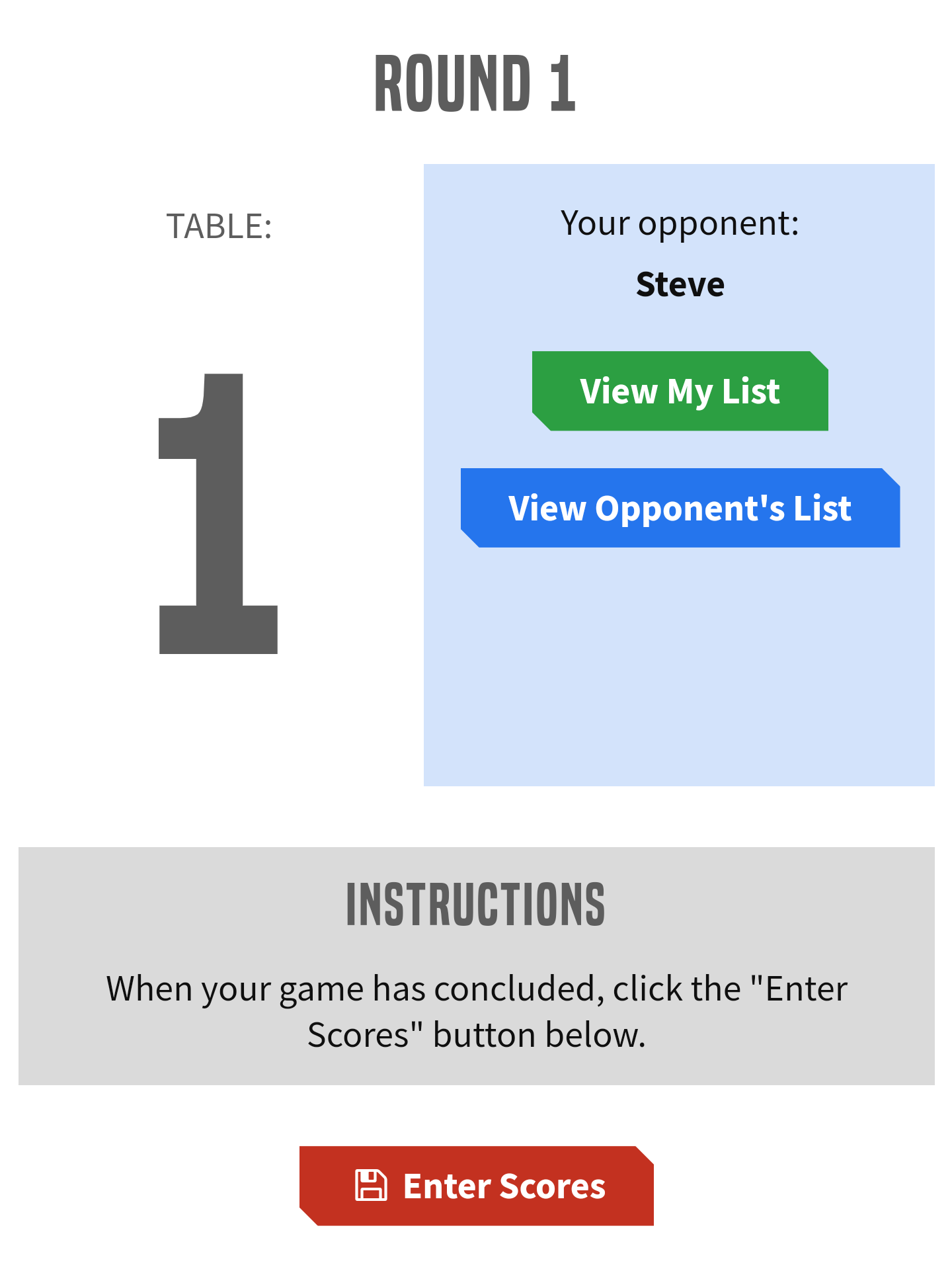
Click (or tap) “Enter Scores” and enter the scores for yourself, and your opponent:


Click submit, and your screen should look like this:
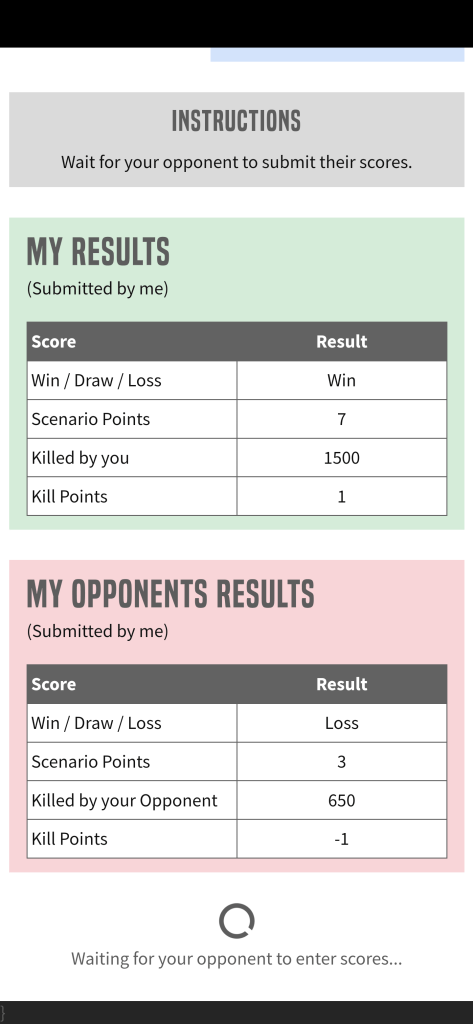
Your opponent now needs to do the same thing. Once they have submitted the same scores on their device, the screen should look like this:
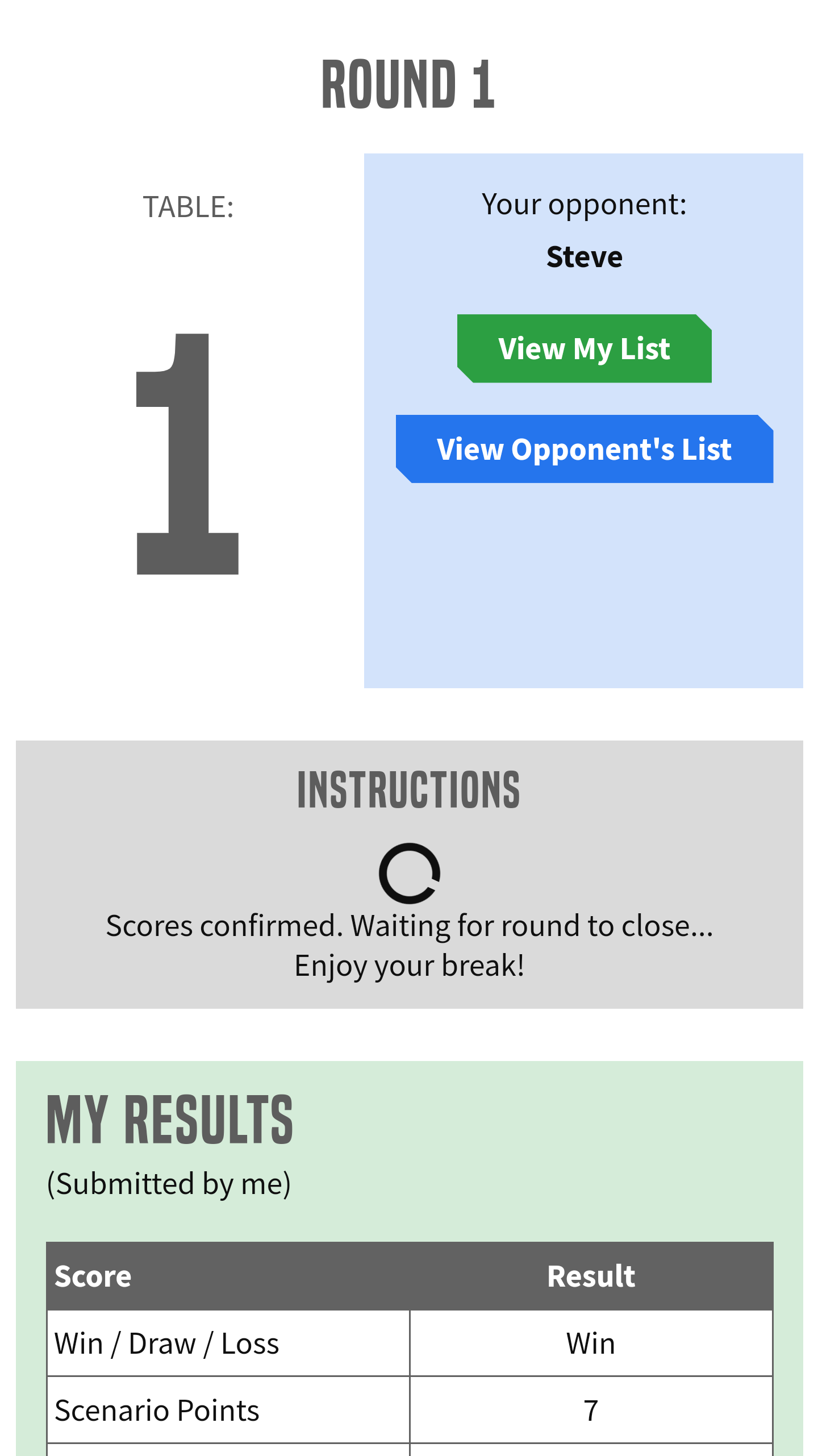
That’s it! Once the round is completed, the screen will refresh with your next opponent!
 Clash of Kings UK